© 2026 tulparnotebook.co.uk All rights reserved
© 2026 tulparnotebook.co.uk All rights reserved
Benefit now

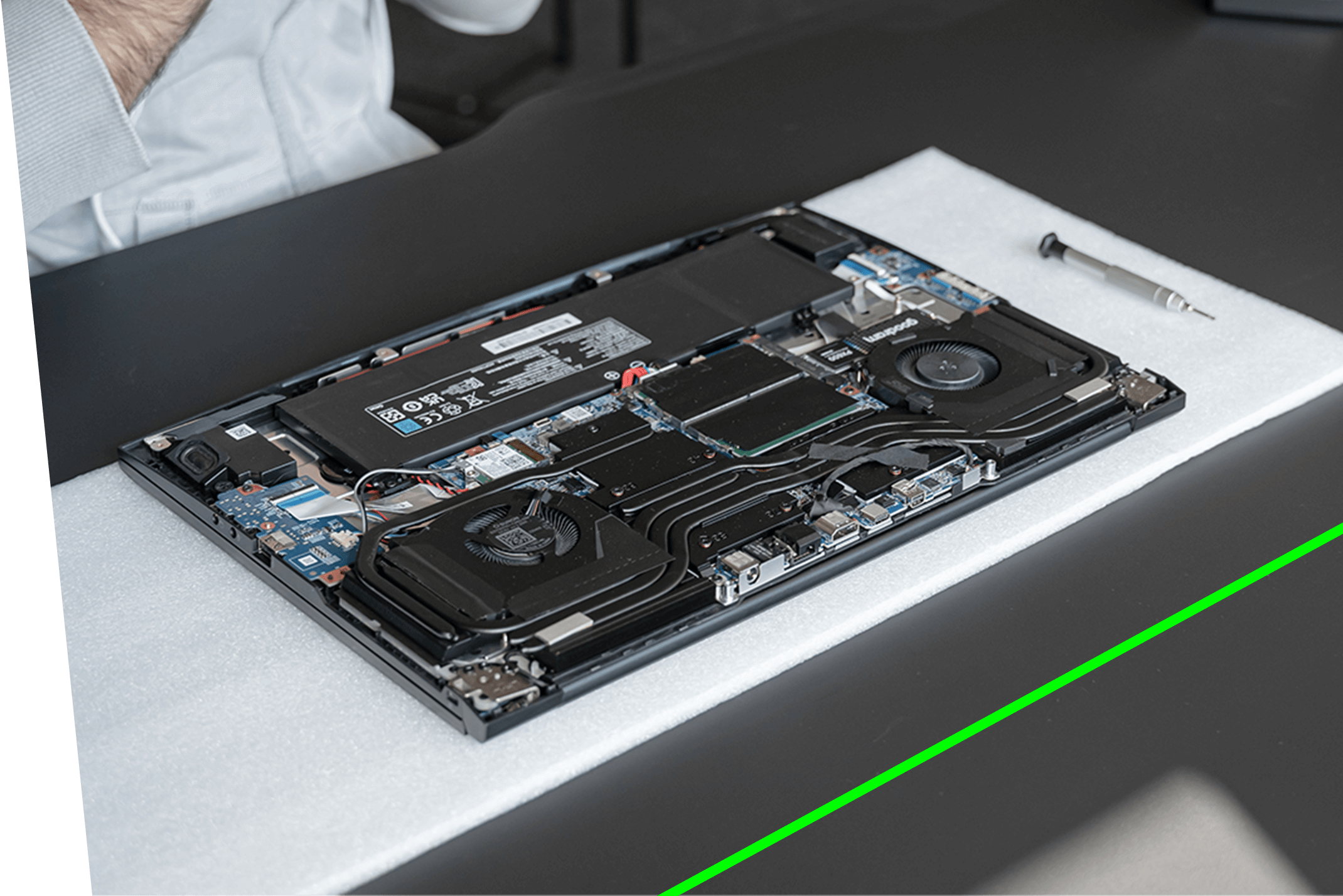
With OUR unique service you get consistently high performance, just like on day one. Your notebook also gets a longer lifespan. Simply send us your notebook or stop by our store in Berlin, and our experts will service your notebook for you free of charge.


Renewing
the
thermal paste

Cleaning
of the fans
of dust
and dirt

Removal
of dust
from within
the case

Keyboard and
screen
cleaning

hardware
checks
(optional)

performance
measurements
(optional)

BIOS
update
(optional)

Contact our support team by phone or email:
[email protected]
0800 999 16 00
You can also bring your notebook to our store:
Tulpar Experience Store, Alexanderplatz 2, 10178 Berlin

The shipping label will be emailed to you. All you need to do is print it out and stick it on the shipping box. *

Prepare your notebook, pack it up, and hand it over to our logistics partner. Shipping is free and insured for you. *

our service experts carry out the maintenance and cleaning included in the warranty.

As soon as the maintenance is fully completed, we ship your notebook straight to your doorstep.
register your product now to benefit from our unique service
register now

You can send in your device once a year free of charge.
First you need to register your product here. You can either drop it off at our Experience Center at Alexanderplatz 2 in Berlin, or you can send us your device for maintenance free of charge by contacting our customer service — either by phone at 0800 9991600 or by email at [email protected] — after which you'll receive a prepaid shipping label.
When you send your device to our technical service or drop it off at our Experience Store, we ask you to note the desired maintenance steps on a sheet of paper and include it in the packaging.
Maintenance times are significantly shorter than repair times. Maintenance is completed within 1-3 business days.
If a malfunction is detected in your device during maintenance, you will be informed about it. With your approval, your device will be repaired, in which case it will need to stay with our technical service a bit longer.
PACKAGING
If you're shipping your device by mail, you need to pack it securely before handing it over to the courier. For packaging, you can use the original product box or any other box that is sturdy and of suitable dimensions.
ACCESSORIES
If there are no issues with the adapter or power cable, you don't need to send this accessory to our technical service during maintenance.
DOCUMENTS
You don't need to provide any documents for the maintenance.
Yes, if you let our technical service know about this request — either by phone at 0800 9991600 or by email at [email protected] — you can get an upgrade by paying the corresponding RAM and SSD fees for your device.
In this case we don't make a distinction, and you're part of the Tulpar family to us! You can bring your Tulpar Notebook to our technical service to always get the best performance out of the device.
Thank you for your trust, but we only offer this service for Tulpar Notebook brand products
The hard drive is not formatted during the maintenance process.