
Campus. Create. Compete.
Recommended by students. Powered by NVIDIA AI.
© 2026 tulparnotebook.co.uk All rights reserved
Recommended by students. Powered by NVIDIA AI.
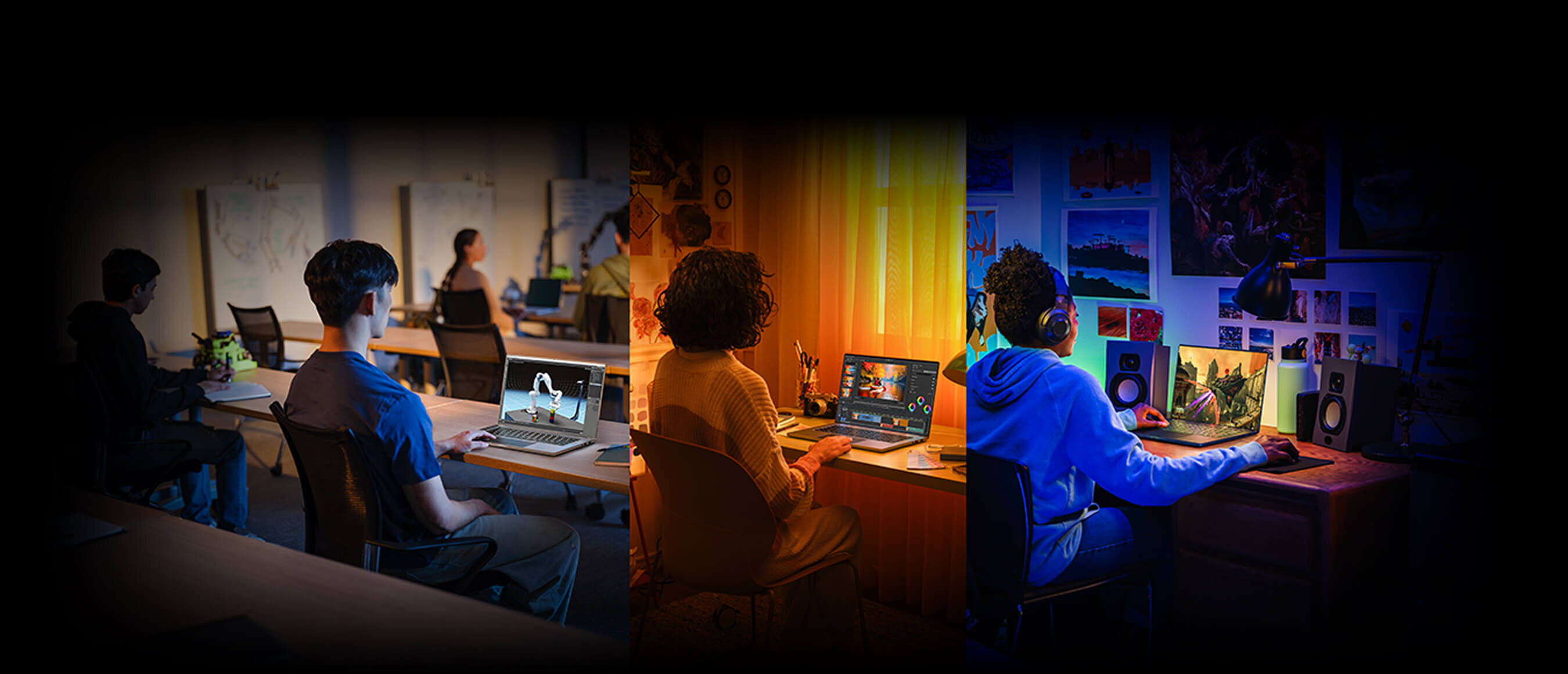

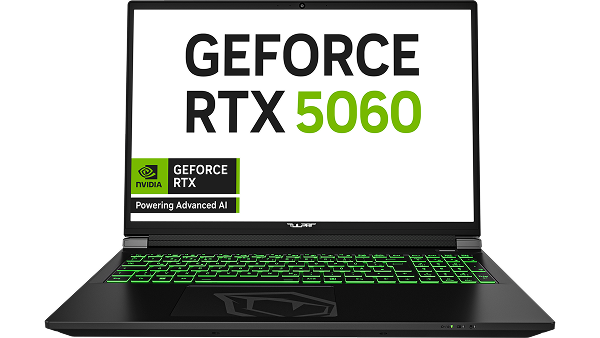
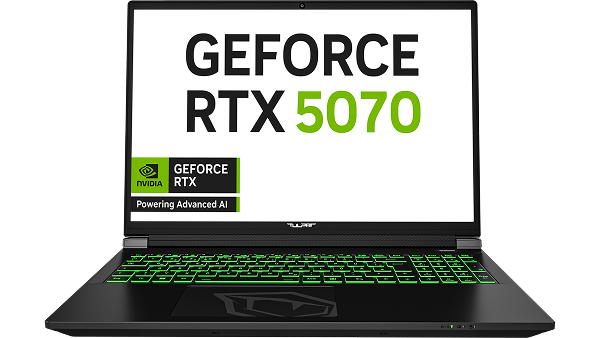
Laptops with the NVIDIA® GeForce RTX™ 50 Series feature dedicated AI technologies that accelerate the best applications, so you can learn, create, and play faster than with an average laptop.

RTX-accelerated tools and apps

NVIDIA Broadcast App and RTX Video

NVIDIA Studio creator tools and AI technology

NVIDIA DLSS 4 and ray tracing

NVIDIA Reflex with low latency

NVIDIA-accelerated AI chatbots

NVIDIA Studio creator tools and AI technology

NVIDIA Max-Q technologies
Recommendations from students based on their experience upgrading to an NVIDIA GeForce RTX 50 Series laptop.

“The RTX 50 Series laptop won me over with its speed, especially when creating social media content and editing videos. Video editing in CapCut ran smoothly, and rendering videos was noticeably faster than usual. Designing posts in Canva also worked without any lag, even while working in multiple programs at once. The laptop's high performance saves time and lets you focus fully on the creative process without being held back by slow software. On top of that, the colors are vivid and the screen resolution is high."
Naomi Berhane,
Media and Communications Management, Macromedia University

"In my Media and Communications Management studies, I rely on powerful technology every day – whether for presentations, research papers, or creative projects. Since I've been working with the RTX 50 Series laptop, my workflow has been noticeably smoother. Programs launch quickly, and performance stays strong even when working with multiple applications at once. I'm especially impressed by the graphics performance and the fantastic display – ideal for visual work. The laptop reliably supports me throughout my studies and gives me the freedom to work efficiently and creatively without being held back by technology."
Vanessa Welte,
Media and Communications Management, Macromedia University
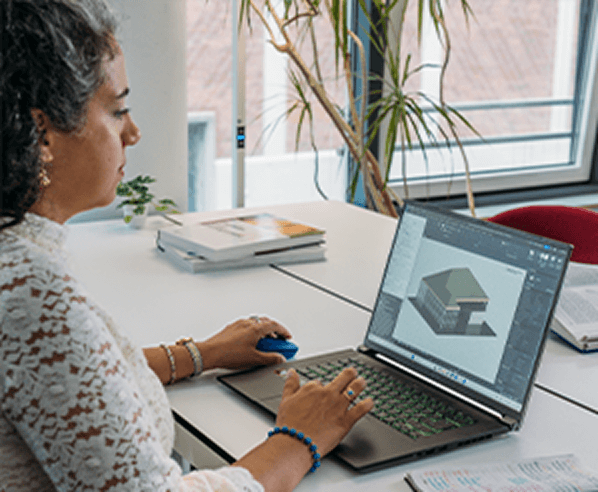
"I'm a student in the Design Management program at Macromedia University, and working with the RTX laptop has been a fantastic experience. I designed a building in Revit, and the performance was smooth and efficient. Everything, from drawing to navigating 3D views, felt fast and fluid. There was no lag, and rendering times were noticeably shorter – even at draft settings. The laptop also handled linked PDF and CAD files effortlessly. This performance gives me the confidence to take on bigger projects – and to play a few games, too."
Nazanin Hashemi Emamzadeh,
Design Management, Macromedia University
Learn faster
20X
Faster AI Development
Faster Gaming
12X
higher FPS in modern games
Work Creatively Faster
10X
Faster Image Generation
All data points were tested using a GeForce RTX 5060 Laptop GPU with 100 W maximum graphics power compared to a laptop without a GeForce RTX Laptop GPU. Learn faster: average acceleration in transformer fine-tuning PyTorch BERT BS=16, mixed precision enabled, and LLM inference Llama 3.1 8B ISL/OSL 100/100 int4 quantized. Game faster: average across Avowed, Hogwarts Legacy, Marvel Rivals, S.T.A.L.K.E.R. 2 at 1080p, highest settings, with DLSS 4 on RTX. Create faster: time to generate 20 images with Stable Diffusion ComfyUI.
Experience AI-accelerated performance in leading applications for engineering, graphic design, architecture, computer science, data science, business, and much more.

GeForce RTX 5060 Laptop GPU
Laptop without a GeForce RTX GPU

20X
37X
Hardware: GeForce RTX 5060 Laptop GPU with 100 W maximum graphics power. Laptop without GeForce RTX: Intel Core Ultra 9 285H CPU with integrated Arc 140T graphics. Engineering: MATLAB – geometric mean of GPUBench tests with single precision | AI Development: average acceleration in transformer fine-tuning PyTorch BERT BS=16, mixed precision enabled, and LLM inference Llama 3.1 8B ISL/OSL 100/100 int4 quantized | Data Science: RAPIDS – geometric mean of Scikit-learn TSNE, HDBSCAN, and UMAP tests with 128 features.
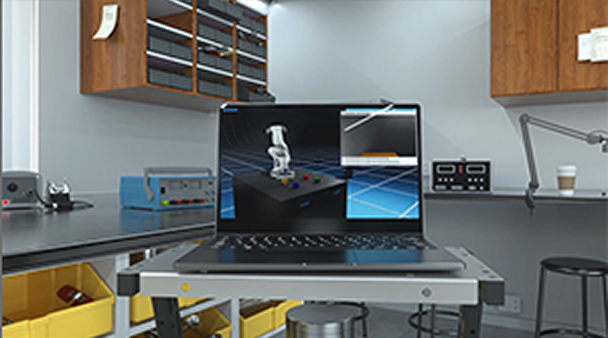
Studying engineering or architecture? With RTX 50 Series Laptop GPUs, you can tackle larger and more demanding 3D design projects, complete complex simulations faster, and visualize your designs in real time.

Want to search your lecture notes, quiz yourself before an exam, or organize your schedule? Get fast, accurate answers, all locally on your RTX-accelerated PC, with RAG and TensorRT-LLM. Find information quickly and easily with a simple text or voice prompt.
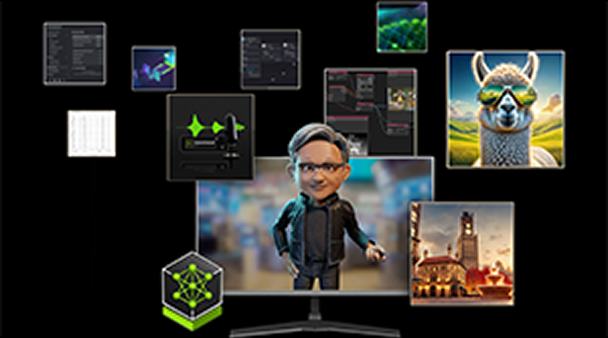
Interested in artificial intelligence or data science? NVIDIA software helps you train models faster and process more samples to achieve better accuracy and more insightful results.
Take a study break with the latest and greatest games, accelerated by RTX technologies for smooth performance, realistic visuals, and ultra-low latency.

GeForce RTX 5060 Laptop GPU
Laptop without a GeForce RTX GPU
290
Recommended
Minimum Requirements
DLSS Super Resolution, Ray Reconstruction, and Multi Frame Generation (4X mode), where available. Laptop without GeForce RTX, which does not support these features. GeForce RTX 5060 Laptop GPU tested at 100 W TGP compared to Intel Core Ultra 9 285H CPU. Average frames per second at 1080p, maximum settings, including ray tracing where available.

Enjoy a massive performance boost with DLSS 4, a revolutionary suite of neural rendering technologies that increase FPS, reduce latency, and improve image quality in AI-powered graphics.

Experience incredibly detailed virtual worlds like never before with the power of ray tracing, which simulates the physical behavior of light to bring cinematic-quality real-time graphics to your games.

NVIDIA Reflex gives you the ultimate competitive edge with lower latency, faster target acquisition, quicker reaction times, and the best aim accuracy for competitive games.
From lectures to late-night sessions, power through your school year with NVIDIA Studio and RTX – smooth editing, stunning graphics, and fast rendering for all your creative projects.

GeForce RTX 5060 Laptop GPU
Apple M4 Pro MacBook Pro
Laptop without a GeForce RTX GPU
14X
GeForce RTX 5060 Laptop GPU with 100 W TGP. Laptop without GeForce RTX: Intel Core Ultra 9 285H CPU with integrated graphics. Apple MacBook Pro with M4 Pro. All videos and images at 1080p resolution. Image generation: time spent generating 20 images, Stable Diffusion 3. Video editing: export time with DaVinci Resolve using various AI effects (3D Relight, Depth Map, Magic Mask, Speed Change, ReScale). 3D rendering: render time measured with Maya using Arnold 2022 (7.1.1) on the NVIDIA SOL 3D model.
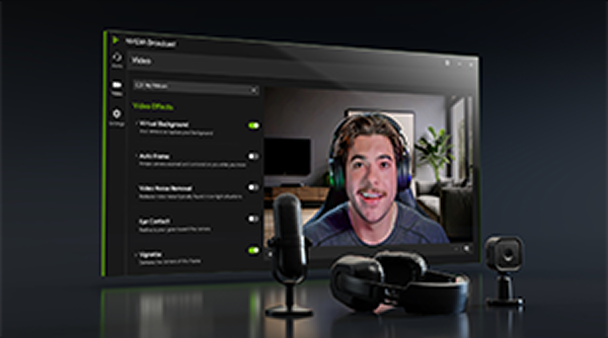
Go live from your dorm room or bedroom – and look and sound great doing it. The NVIDIA Encoder improves stream quality, while NVIDIA Broadcast uses AI to remove background noise and blur, and automatically frames your camera. It works with your favorite video chat and streaming apps, so you can focus entirely on creating and learning.
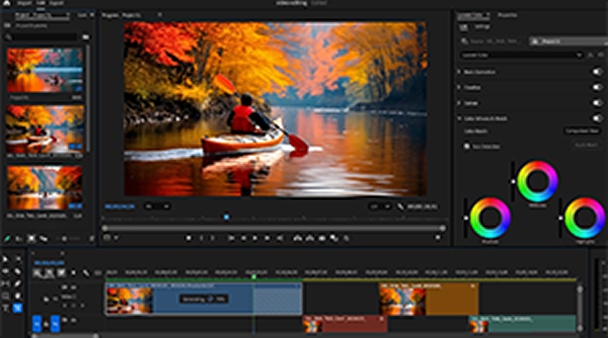
With NVIDIA RTX GPUs, you can finish class projects or edit viral videos in record time. The NVIDIA Encoder (NVENC) enables smooth editing and fast exports in Adobe Premiere Pro, DaVinci Resolve, and other programs. When it's time to unwind, RTX Video Super Resolution and HDR use AI to deliver sharper YouTube and streaming content at up to 4K.
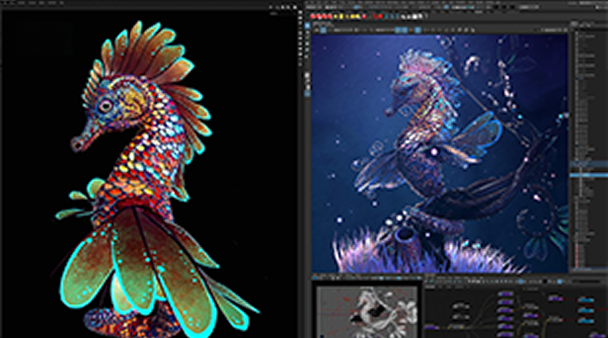
Bring ideas to life fast with RTX. Create images and videos in tools like Stable Diffusion, FLUX, and Midjourney – accelerated by NVIDIA TensorRT for outstanding performance. Working in 3D? Enjoy smooth previews, faster rendering, and AI upscaling in your favorite apps. Perfect for hitting deadlines.

© 2025 NVIDIA Corporation. NVIDIA, the NVIDIA logo, GeForce, and GeForce RTX are trademarks and/or registered trademarks of NVIDIA Corporation in the U.S. and other countries.
Performance is measured using different systems and varies by model. Check with the manufacturer for the specific model and its technical specifications.